
Ever tried to re print a batch of forms (invoices, credit memos, purchase orders etc.) only to find you have to individually open every invoice and trudge through a gauntlet of tedious steps to achieve what should be simple and straightforward?
Batch Print for Quickbooks is the simple, straightforward solution to automating the re-print process in Quickbooks! De-stress, have a coffee, and watch your forms re-print with no fuss.
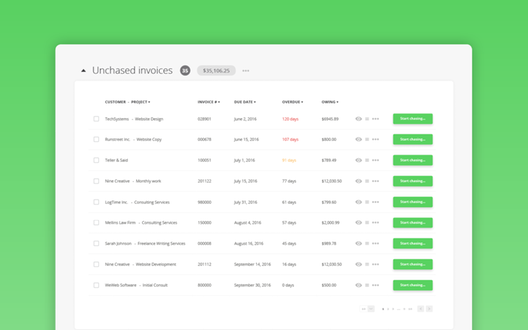
Filter Your Forms!
- Date to date range.
- Date to date range for a selected inventory item.
- Date to date range for a specific customer.
- Invoice number to invoice number
- Date to date range for a sales rep.
- Date to date for a ship-to address.
Get it? Got it? Good!
Batch Reprint for Quickbooks is a light weight add-on that works with all versions of Quickbooks desktop. [Details about installation go here…Details about installation go here…Details about installation go here…Details about installation go here…]
The best part? It’s a one-time purchase! Buy Batch Reprint for Quickbooks for as many Quickbooks licenses as you need, and never pay again if you don’t want to. Periodic new versions with additional options will be released, at a discounted price for existing users who want to upgrade.
Corporate volume discounts are available, please contact us at info@sonicit.ca for details.
BRFQ is developed by Sonic IT Communications Inc. – the simple, straightforward app people!